
UNSOLVED
USB 3.0 On a Dell XPS8300
I have a Dell XPS8300. I would like to install a USB 3.0 hub on my computer in the floppy drive bay. My question is, will I be able to use the F-USB4 (first picture) which is 11-pin as a normal USB connection which is 9-pin (connector on the left of the second picture)? I do believe the 9-pin connector is only for USB 2.0 support while the PCI-e is for the USB 3.0.
Here is the link to the item page: http://www.newegg.com/Product/Product.aspx?Item=N82E16811998095
Also, to power this could I get one of these to change the SATA power to 4-pin MOLEX power(back of the unit on bottom right)? If not, is there something else I could do?


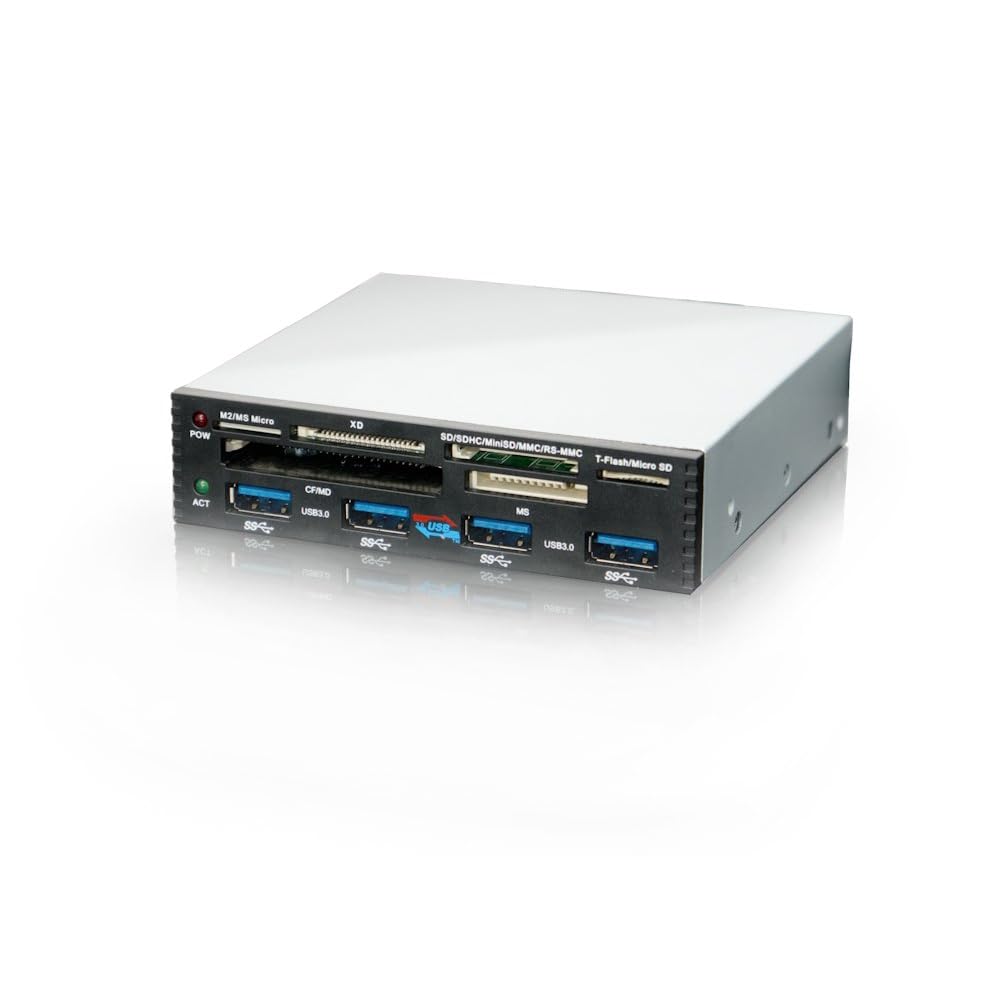
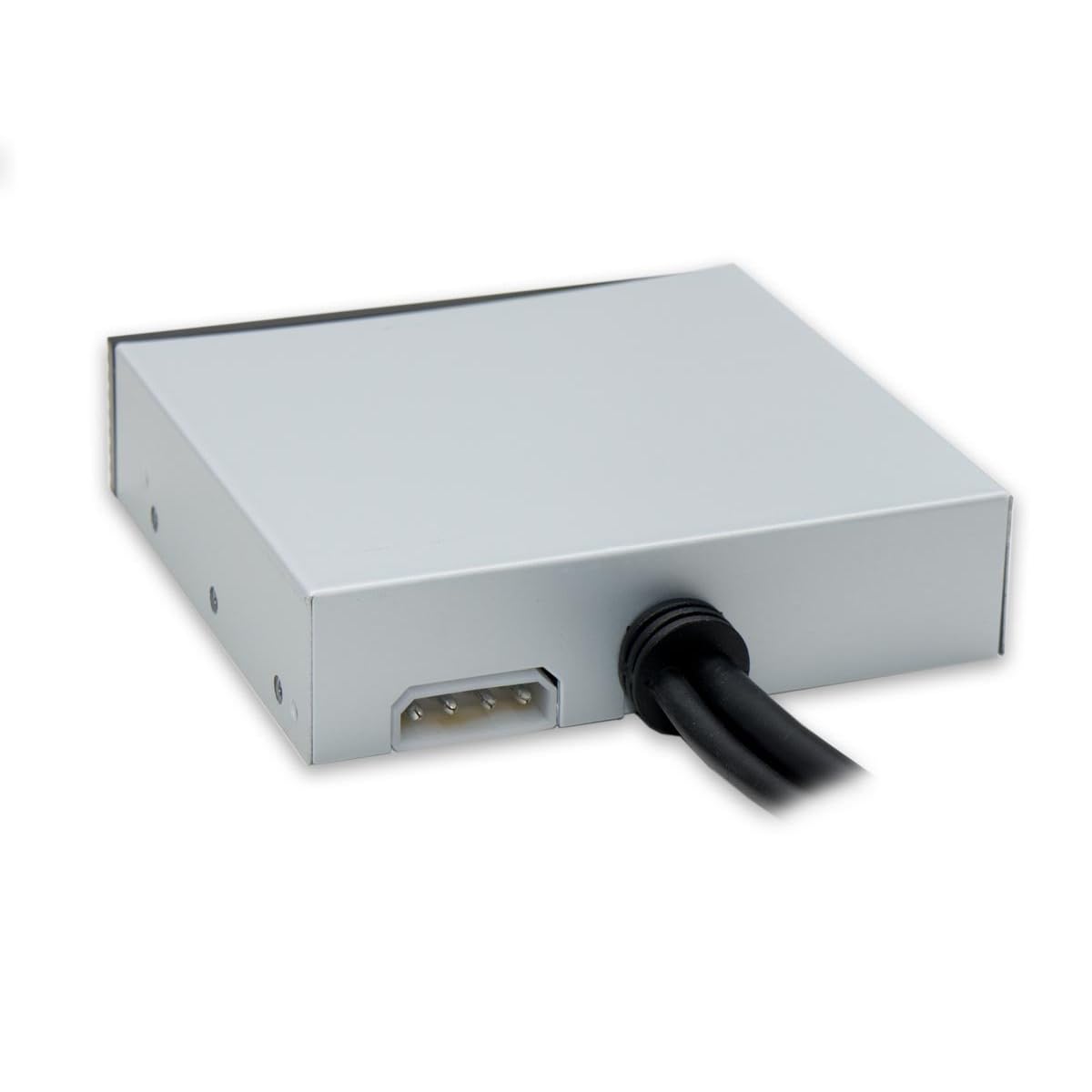
Thank-you for your time.
200
0
Posted October 30th, 2011 10:00
Ok. everything that was just mentioned by fireberd i already know. He also stated that i should get a PCIe x1 board, which the item i am looking at is, only it has a cable that runs up to the actual bay from the PCIe.(top left picture). Also like i said before, the USB connection on the Motherboard (top right) is only for the card reader part of the bay(bottom left), the PCIe is for the USB 3.0.
Thank-you for your time.

fireberd
11 Legend
•
33399 Posts
•
112848 Points
200
0
Posted October 30th, 2011 04:00
Edited, I misunderstood your original post. The Dell connector could be used for USB 2.0, but not 3.0. However there is no documentation to note what pins are what on that connector and whether it's a standard ATX connection or not.
You can pick up power with an adapter if you have a spare power connector. If not, a "Y" adapter would work.