
UNSOLVED
Dell XPS 8300 Extra USB Ports : F_USB4
On my XPS 8300 there is one unused USB header on the main board:- F_USB4
However this has 12 pins instead of the usual 10 pins, can I still connect this to a standard USB bracket and get two extra ports?
Thanks a lot
933
1
Posted August 5th, 2011 01:00
Well I got this to work.
I bought a 2 port bracket from ebay. Unfortuneately the polarisation key was in the wrong place and had to be moved. The two extra pins (on the right hand side in the picture) supply 3.3V I'm not sure what they are for.
Anyway it seems the 10 pins on the left hand side are a standard USB header.
The two 5V power pins are on the left hand side - it can be seen that F4 supplies power to the header.
Pin out appears to be (N.B. Pin is bottom left, pin 2 is top left)
1,2 +5V
3,4 Data
5,6 Data
7,8 0V
9 NO PIN
10 +3.3V (Shield of cable)
933
0
Posted October 20th, 2011 21:00
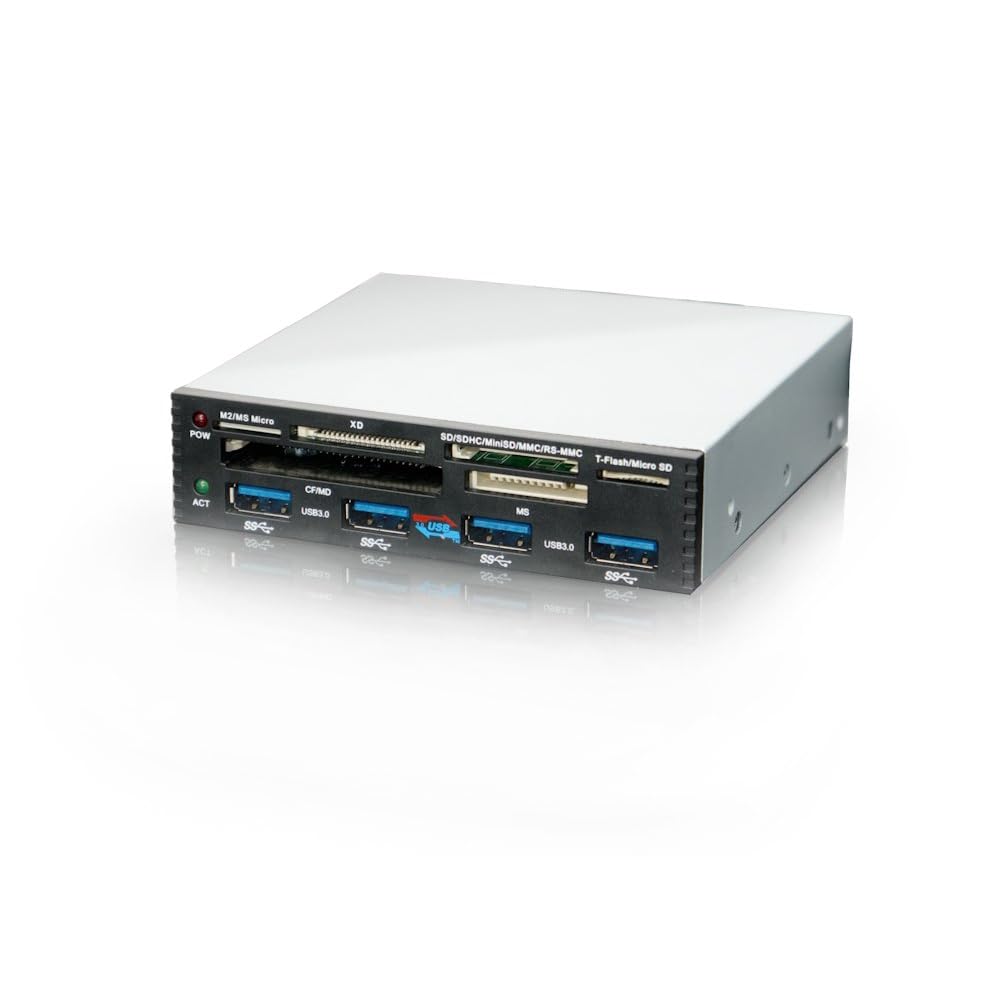
I also have a Dell XPS8300. Would I be able to install the item below that is 9-pin with the F_USB4 which is 11-pin? Would I need to change anything with the polarization?
Here is the link to the item page: http://www.newegg.com/Product/Product.aspx?Item=N82E16811998095
Also, would I be able to power this with a 4-Pin Molex? Do I even need to, because it says it is not essential and only provides more power?
Thank-you for your time!
933
0
Posted March 29th, 2012 20:00
According to this it is also used for Bluetooth. That is probably what the extra pins for power are for.
<ADMIN NOTE: Broken link has been removed from this post by Dell>




DELL-Chris M
Community Manager
•
56891 Posts
•
232143 Points
933
0
Posted August 3rd, 2011 08:00
I thought that was for the Front panel USB connector? But I guess if you have F_USB1 and F_USB2 connected to the front, you should be able to use F_USB4 for something else.
DELL-Chris M (old account)
#IWork4Dell